


Almost every time I had access to unit testing information, it came from something already prepared. I felt the need for something that explained the beginning, the why, in short… how to start?
Table of Contents
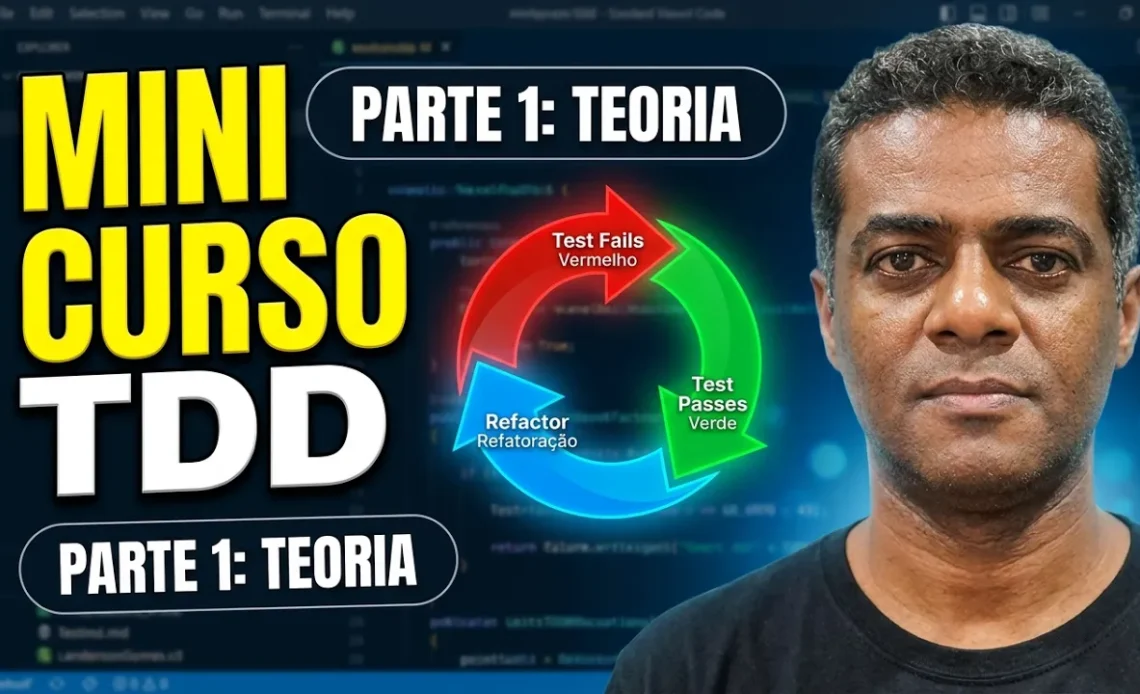
The Sacred Cycle: Red, Green, Refactor

The heart of TDD beats to the rhythm of three fundamental steps. If you skip one of them, you’re not doing TDD, you’re just writing tests afterward (which is also important, but that’s another story).
1. Red: Write a test that fails.
You start by writing a test for the functionality you want to implement. Since the functionality doesn’t exist yet, the test will obviously fail.
- The goal here is to see the test turn red. If the test passes on the first try, something is wrong: either your test is useless or the functionality was already implemented.
2. Green: Make the test pass.
Now, you write the minimum amount of production code necessary to make the test pass.
- Don’t worry about elegant code, complex architectural patterns, or elaborate optimizations right now. The sole focus is on passing the test. If the quickest and most basic solution works, so be it (for now).
3. Refactor: Improve the code.
With the green test, you have a safety net. Now it’s time to clean the house.
- You can remove duplicates, improve variable names, apply design patterns, and keep the code clean and readable, ensuring that the test remains green at the end of each change.
Why should you care?
If you stop to think about it, traditional development usually works like this: we code for hours, run the application manually, click ten different buttons to see if anything broke, and in the end, pray that it works in production.
By applying TDD, you gain:
- Instant feedback: You’ll know in seconds if your code is doing what it’s supposed to do.
- Fewer bugs in production: Because you think about edge cases and error scenarios before coding, your logic becomes much more robust.
- Living documentation: The tests serve as an executable specification of your system. Anyone (including you six months from now) can understand what the code does by reading the tests.
- Courage to refactor: Changing legacy or large code can be scary. With a robust test suite guided by TDD, you can refactor with confidence.
Common mistakes when starting with TDD
When we are learning, it’s normal to fall into some classic traps:
- Trying to test everything at once: TDD is about small steps. If your test requires 50 lines of setup code, you’re trying to take on the world. Break the problem down into smaller pieces.
- Writing complex tests: If your test requires mock upon mock, a full relational database, and an external API to run simple logic, your code design is too tightly coupled. TDD helps to identify this.
- Giving up at the first obstacle: In the beginning, it seems like TDD doubles your development time. It’s true, the initial learning curve is frustrating. But in the long run, the time saved on debugging compensates for every second invested.
Video
I recorded a mini-course on video, and in this first part I share the theoretical aspects of TDD. The way I think it should be explained, from the very beginning!
I was inspired by the online course from ITA (Technological Institute of Aeronautics) TDD – Test-Driven Software Development, taught by Eduardo Guerra, available on the Coursera platform .
Summary of the Opera
TDD is not a silver bullet, nor should it be used as a dogmatic religion for absolutely 100% of your system. However, mastering the theory and practicing the Red-Green-Refactor cycle will completely change the way you view software development.
Writing test-driven code is about clarity of thought . It’s about knowing exactly where you’re going before you take the first step.
And you? Do you already apply TDD in your daily life, or do you think it’s a waste of time? Leave your experience in the comments!
Font: MINICURSO TDD – TEORIA (Original Post in Brazilian Portuguese).



Reduce development time and get to market faster with RAD Studio, Delphi, or C++Builder.
Design. Code. Compile. Deploy.
Free Delphi Community Edition Free C++Builder Community Edition


