There’s a lot going on with Kai. In fact, there’s a whole lot going on with RAD Studio, Delphi, and C++Builder overall. If you missed the launch of RAD Studio 13.2 you can catch the release webinar below. The streaming platform we used for that event decided to misbehave when we were live, but this recording contains the whole presentation, unsullied by woeful webinar wonky donkeys. I’ve calmed down a little now. In among that excitement of 13.2, we also managed to release version 1.1 of Kai, and we have more coming!
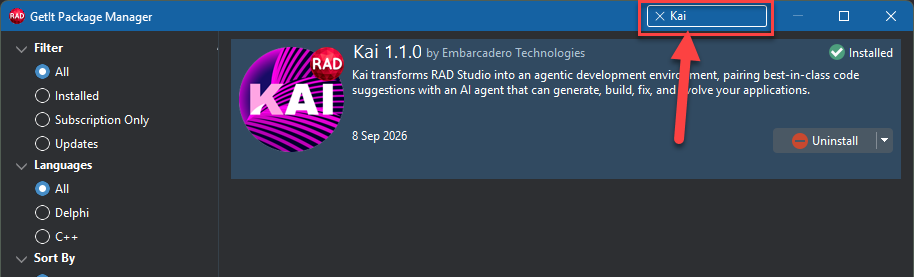
One of the benefits of Kai being delivered via the GetIt package manager is we can provide you with updates much more frequently than we can with the full RAD Studio which takes an army of backroom elves, all the grunt of meaty build machines and CI/CD pipelines that spread out to multiple CDNs and other TLAs. The world of AI is fast-moving and seems to morph and evolve weekly and often from day to day so we chose to make the mechanism to update Kai as nimble as possible. That fast-moving AI ecosystem is why when you subscribe to Kai you get everything it has for a full 12 months, for one fee, not monthly subscriptions. As Kai evolves and expands its capabilities you will get it, straight from GetIt. The release webinar video includes an excellent demo of Kai by Nuno from our PM team. Nuno shows the new ACP registry in action too.
How is Kai different from other AI companions?
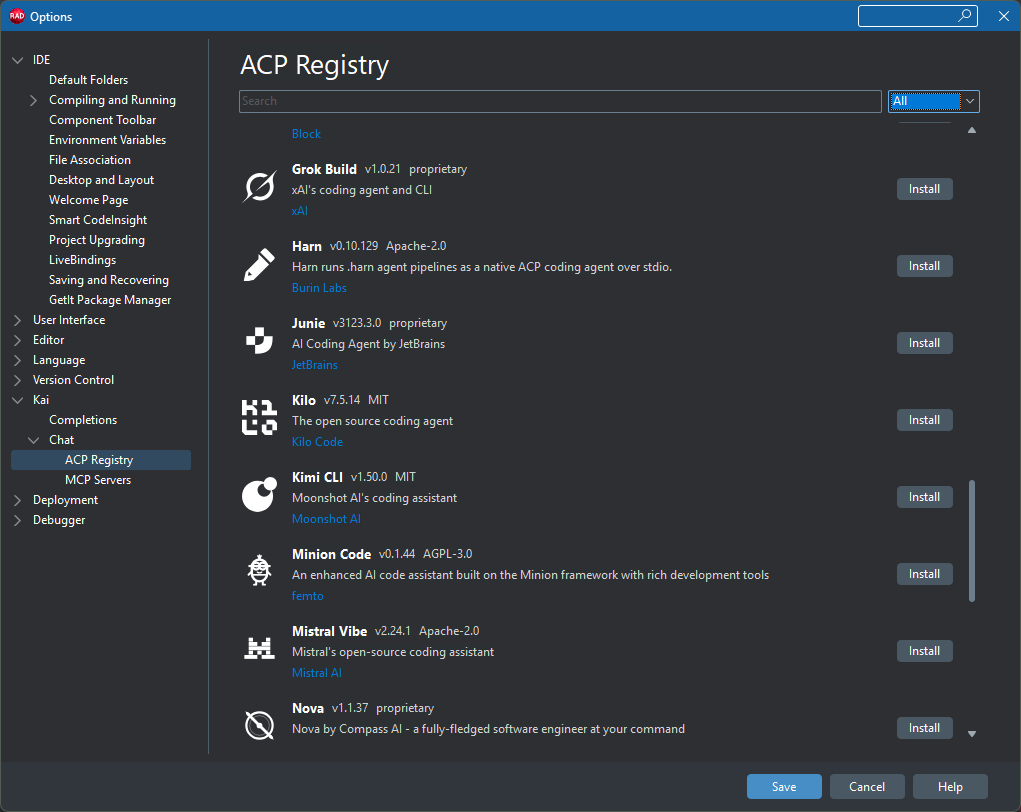
How do you use Kai? That’s really up to you. Kai 1.1 added the ACP list. This gives you access to an apparently ever-increasing selection of almost every major AI provider including Grok, DeepSeek, the European favorite – Mistral, Claude (of course), in fact, whatever your favorite it may well be able to work with RAD studio, Delphi, and C++Builder as a result. A major advantage of Kai is you can actually use multiple AI providers. So, for example, if you max out your Claude limit, you can swap, in seconds, to a local model hosted by something like LM Studio or Ollama. But you’re not limited to that either – you can open a new simultaneous chat with another cloud provider such as Antigravity or Gemini. It’s your choice, we think that’s important. You get to decide who you trust – or not – with any data, and make it work for you on your terms, inside the IDE. And if AI is not for you then Kai, and our other AI helper, SmartCode Insight, are completely optional and turned off by default.
What can you create with Kai?
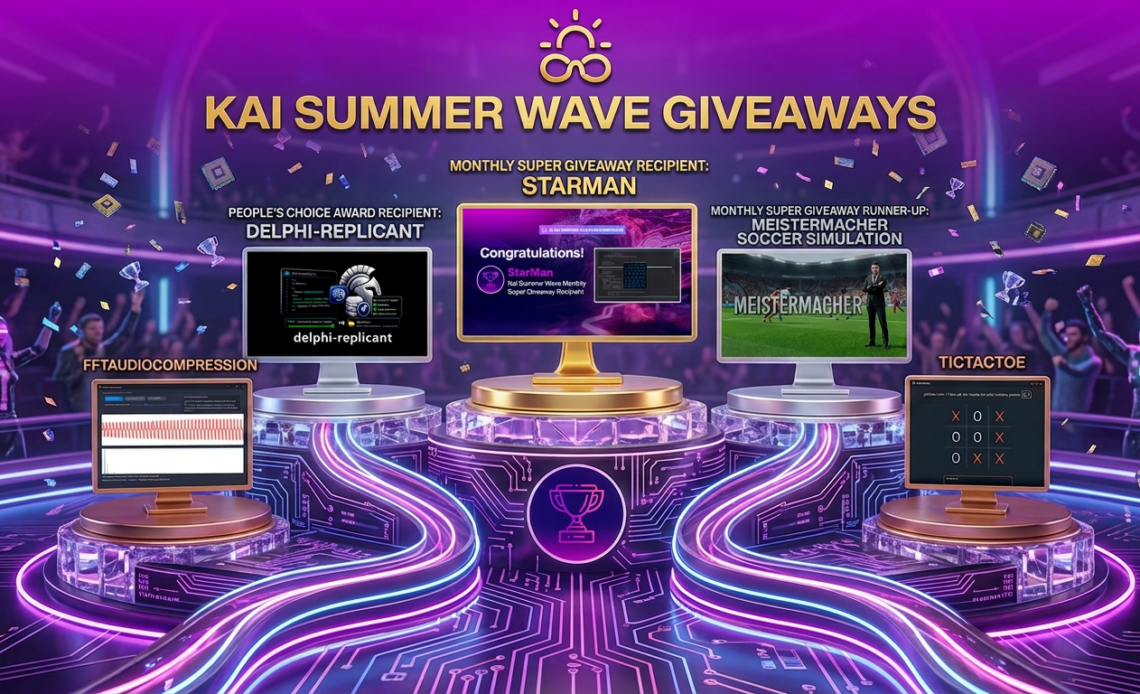
You can get Kai to help you with a whole host of things to while you code or even get Kai to produce all the code for you. We decided though, the best way for you to see what Kai can do is to let your fellow Delphi and C++ devs show you as part of our “Show what you built with Kai” for our Kai Summer Wave event. We already selected our first giveaways in August and this month; we have some more excellent entries. It seriously blows me away to see what you’ve all been using AI to do. Coding with AI is not everyone’s cup of tea, I get it, but for those that do it’s pretty astounding what can be done when you wield those LLMs and let your creativity flow through them.
Here’s the latest round-up of giveaway recipients. Do you want to take part? Go to the official entry page and dazzle us! If you haven’t tried Kai yet, download it and give it a whizz – we accept entries created with the Kai trial as well as the paid versions.
Who did we choose this month?
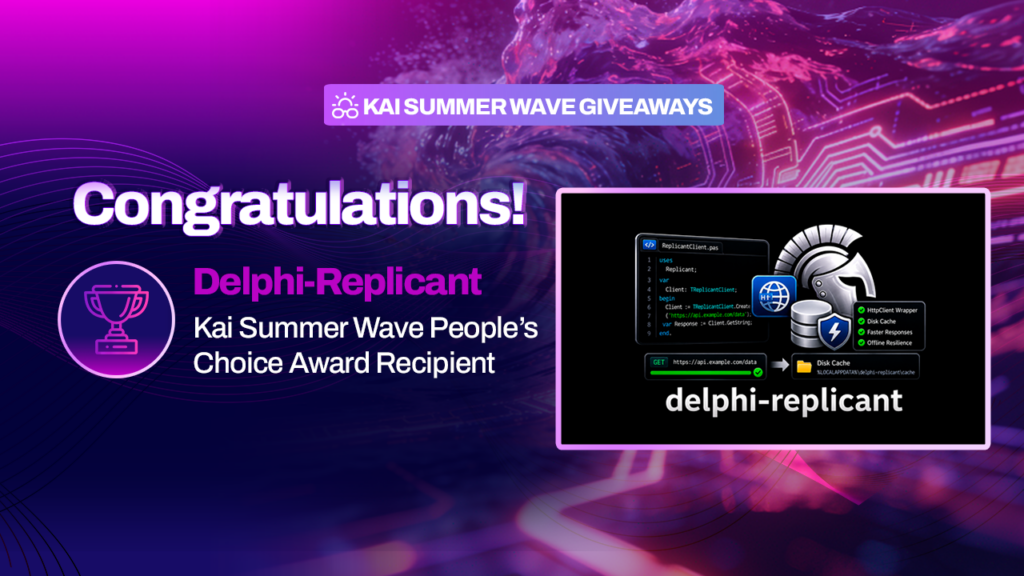


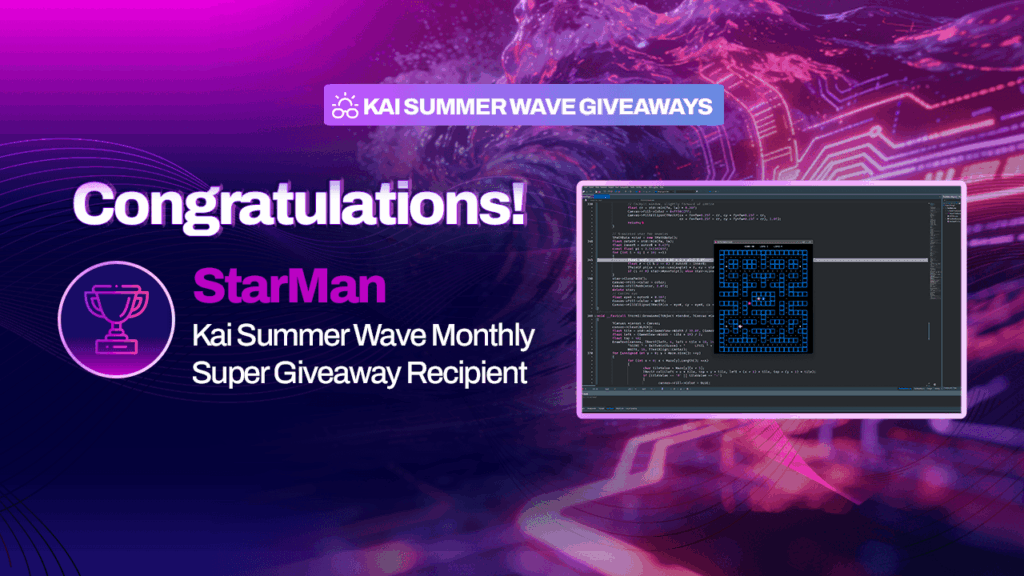

I’ll be following up with a webinar shortly which will show this month’s chosen projects in more detail. Meanwhile, why not share what you built with Kai?



Reduce development time and get to market faster with RAD Studio, Delphi, or C++Builder.
Design. Code. Compile. Deploy.
Free Delphi Community Edition Free C++Builder Community Edition